
Simple Event Logging Function
The instrument can update the maximum value display from the start to the stop of recording. When the maximum value exceeds the set threshold value, the backlight flashes on and off in red to warn.
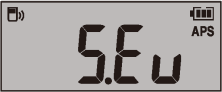
Turn the instrument on while holding down the key and  key simultaneously.
The key blinks.
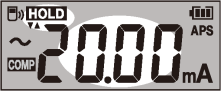
The threshold value is confirmed, and the key blinks.
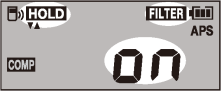
The filter setting is confirmed, and the symbol and the segments blink on the display.
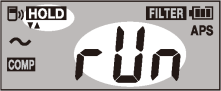
To change the threshold value
Press the key or key to return to the threshold value selection screen (step ).
The instrument starts event logging.
The logging stopping confirmation screen appears.
The display returns to the logging screen after approximately four seconds of inactivity.
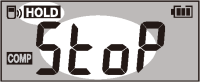
The instrument stops the event logging. The instrument resets the maximum value and returns the logging start screen (step )
Event logging in progress
The instrument display the maximum value from the recording start.
The blinking red backlight warns you that the maximum value exceeds the set threshold value.
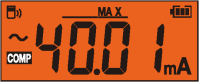
Press to freeze the readout.